i’m currently evaluating version 9.0.3 to access sql server database
with new project, after choosing database/schema, i believe RadSystems will load ALL tables in the database.
since our database has so many tables but i only planned to use RS to read only a few of them, can we somehow connecting without loading ANY table ?
instead i will choose later (manually) which table(s) to load.
You can connect, and Radsystems will read all tables. Then, from the list of tables, you can uncheck the ones you don’t want to include in the project before clicking the Radsystems Studio publish button.
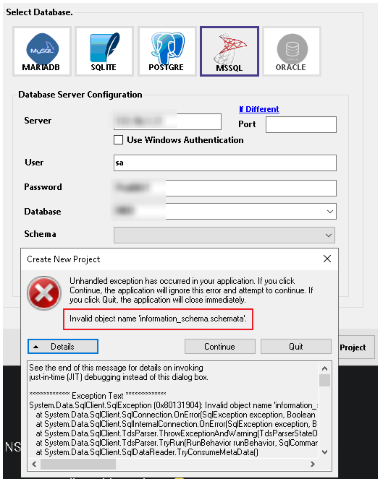
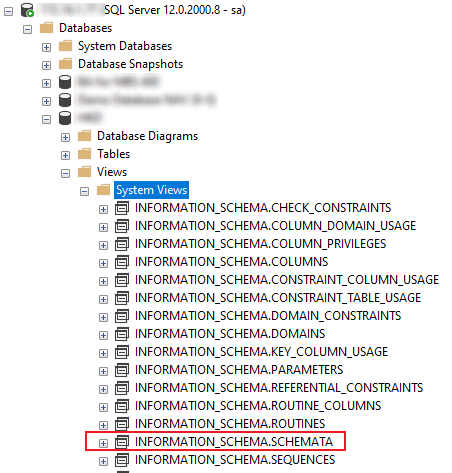
An alternative approach would be to create a copy of the database without the “views” and use it for the project. When you are ready to upload your project, you can change the database name and details used in the project.
they’re system views thus i can’t copy database without them or delete them after copy.